
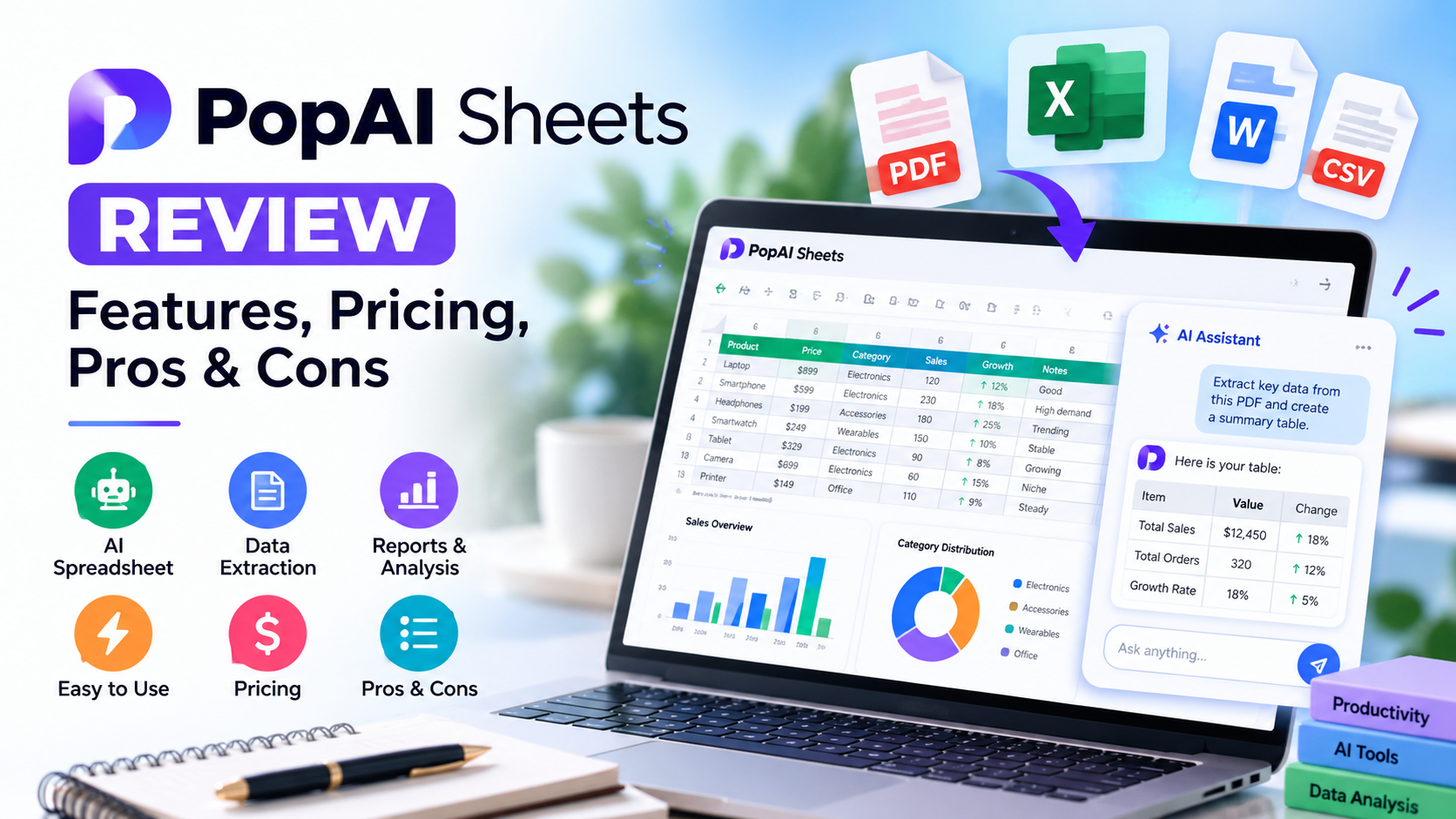
This PopAI Sheets review explores the tool’s features, pricing, practical uses, and limitations to help you decide whether it is worth trying.
PopAI Sheets is an AI-powered spreadsheet editor designed to help users turn documents, spreadsheets, and research information into structured data and business reports. Instead of manually organizing every row or writing every formula, users can describe a task in natural language and let the AI assist with the process.
But is PopAI Sheets worth trying? In this review, we examine its features, potential benefits, pricing uncertainties, limitations, and the types of users who may benefit most.
Quick Verdict
PopAI Sheets may be worth trying if you regularly work with PDFs, CSV files, spreadsheets, or research reports. Its main appeal is combining document extraction, AI-assisted data organization, web research, and report generation in one workspace.
However, the exact subscription price for PopAI Sheets has not been confirmed, credit consumption per task is unclear, and the company’s accuracy claims have not been independently verified.
Our recommendation: test the available free credits with a non-sensitive document before considering a paid subscription.
Our recommendation: test the available free credits with a non-sensitive document before considering a paid subscription.
PopAI Sheets Review: What Is It?
PopAI Sheets is a browser-based AI spreadsheet editor and business report generator from PopAI. It is designed to help users transform information from documents and other sources into organized tables and reports.
Traditional spreadsheet software often requires users to understand formulas, data formatting, and manual data entry. PopAI Sheets aims to simplify these tasks by allowing users to describe their requirements in ordinary language.
For example, you might ask an AI spreadsheet assistant to extract financial figures from several PDF reports, organize them into a comparison table, and prepare a summary of the findings.
The product is intended for people who want to reduce repetitive spreadsheet work, although the accuracy and usefulness of the output will depend on the task and source material.
How Does PopAI Sheets Work?
The product’s official website presents a three-stage workflow.
1. Upload Files or Describe a Task
You can upload supported local files or describe what you want the AI to do. The official interface lists these file formats:
- CSV
- XLSX
- TXT
- DOCX
For example, you could provide a CSV containing sales data and ask the AI to organize the information by category.
2. Extract and Organize Data
PopAI Sheets is designed to extract information, clean inconsistent data, and arrange the results in structured tables. Its natural-language interface can also help with spreadsheet calculations and formatting tasks.
You should still review the results, especially when working with financial figures, business records, or information that must be accurate.
3. Export Data or Generate Reports
After processing the information, you can review the resulting spreadsheet and generate a written report. The official FAQ describes compatibility with Microsoft Excel and Google Sheets workflows.
Check the available export options in your account before relying on a specific format for professional work.
Key Features of PopAI Sheets
File Upload and Document Parsing
One of the product’s main use cases is extracting information from different file types.
This may be helpful when data arrives in PDFs, receipts, invoices, Word documents, or spreadsheets that require additional organization.
Instead of manually copying every value into a new spreadsheet, you can ask the AI to identify relevant information and arrange it into a table. The result should always be checked against the original document.
Natural-Language Spreadsheet Assistance
PopAI Sheets allows users to describe spreadsheet tasks in ordinary language.
Rather than remembering a complicated formula, a user might ask for a total, a comparison between categories, or a particular data transformation.
This approach may be useful for beginners and professionals who want to reduce repetitive work. However, the output still needs to be checked to ensure that the calculation matches the intended task.
Data Extraction and Cleaning
The product is designed to extract information and standardize inconsistent data.
Potential applications include organizing supplier records, cleaning exported contact lists, and combining information from several documents.
For larger datasets, test a representative sample before relying on the tool for a complete business process.
Web Research Integration
The official product page describes combining web search with information from uploaded documents.
This could help with competitive research, market comparisons, and collecting information from multiple sources into a structured table.
When using web-derived data, verify important figures, dates, and source references independently.
Business Report Generation
PopAI Sheets can generate written reports from structured findings.
This may be useful for preparing research summaries, reviewing operational data, or organizing findings for a meeting.
Before sharing a generated report, check its calculations, conclusions, and supporting evidence.
Export and Compatibility
The official FAQ describes workflows involving Microsoft Excel and Google Sheets.
This is useful if you prefer to review or continue editing the output in spreadsheet software you already use.
The exact export options and any plan restrictions should be confirmed in your account.
PopAI Sheets Pricing
Pricing is one of the most important points to check before subscribing.
The exact current subscription price for PopAI Sheets could not be confirmed during our research. PopAI’s broader platform displays several plans, but the available information does not clearly establish whether Sheets is included in every plan or requires a separate subscription.
The free allowance and credit limits available specifically for Sheets should also be checked in your account.
Important: Prices shown on the PopAI Presentation pricing page are not confirmed prices for PopAI Sheets.
Before paying, visit the official PopAI Sheets website and check the current pricing, credit limits, export options, and subscription terms.
PopAI Sheets Pros and Cons
Pros
- Supports several common file formats, including CSV, XLSX, PDF, TXT, and DOCX.
- Allows users to describe spreadsheet tasks in natural language.
- Is designed to extract and organize information from documents.
- Advertises web research and business report generation features.
- Describes workflows involving Microsoft Excel and Google Sheets.
- Offers trial credits to new users, according to its official FAQ.
Cons
- The exact subscription price for Sheets remains unclear.
- Credit consumption for individual tasks has not been confirmed.
- The company’s accuracy claims have not been independently verified.
- Important data and calculations still require manual checking.
- Privacy and file-handling terms should be reviewed before uploading sensitive documents.
Who Should Use PopAI Sheets?
Researchers and Students
Researchers may find it useful for organizing information from multiple documents into comparison tables. Students can explore it for structuring research information, while checking all extracted facts against the original sources.
Small Business Owners
Small businesses may use AI-assisted spreadsheet workflows to organize invoices, receipts, sales information, and supplier records. Financial information should always be checked before being used for business decisions.
Analysts and Operations Teams
Professionals who regularly compare reports or organize operational information may benefit from document extraction and report generation.
Freelancers and Marketers
Freelancers and marketers may find it useful for preparing research comparisons, organizing campaign data, and drafting reports.
Who Might Not Need PopAI Sheets?
- People who only need occasional formula help may find their existing spreadsheet software sufficient.
- Users who require extensive manual control may prefer working directly in Excel or Google Sheets.
- Teams should verify collaboration features before relying on the product for shared work.
- Anyone handling confidential information should review the privacy policy before uploading documents.
PopAI Sheets vs. Traditional Spreadsheets and Other AI Tools
| Feature | PopAI Sheets | Excel or Google Sheets | General AI Assistants |
|---|---|---|---|
| Main purpose | AI-assisted spreadsheet and report workflows | Spreadsheet creation, calculation, and editing | General research, writing, and problem-solving |
| Document extraction | Advertised as a core feature | May require manual work or additional tools | Depends on the assistant and available features |
| Natural-language tasks | Designed for spreadsheet workflows | Depends on built-in features and integrations | Can help explain or create formulas |
| Manual control | AI-assisted workflow | Extensive spreadsheet controls | Depends on the interface |
| Pricing | Sheets-specific pricing needs confirmation | Depends on the product and plan | Depends on the assistant and plan |
| Best suited for | Document-to-data tasks and reports | Detailed spreadsheet work | General research and assistance |
These tools serve overlapping but different purposes. The best choice depends on whether you need document extraction, spreadsheet control, research assistance, or a combination of these tasks.
Accuracy, Privacy, and Limitations
PopAI’s product page promotes “100% hallucination-free” accuracy. This is a company claim and should not be treated as a guarantee that every result will be correct.
AI systems can make mistakes when interpreting documents, identifying values, generating formulas, or summarizing findings. Always compare important outputs against the original source.
Privacy is another consideration. Before uploading documents, read PopAI’s current privacy policy and data-handling terms. The available research did not establish whether uploaded files are used to train AI models.
Avoid uploading sensitive financial, personal, or business records unless you have confirmed that the product’s data-handling terms meet your requirements.
Read the PopAI Privacy Policy before using confidential information.
How to Try PopAI Sheets
If you want to evaluate the product, start with a small, non-sensitive task.
- Visit the official PopAI Sheets page.
- Sign up and check the trial credits available to your account.
- Upload a short CSV file or another supported sample document.
- Ask the AI to perform a simple task, such as organizing columns or calculating a total.
- Compare the output against your original data.
- Export the result, if the required option is available, and check its formatting.
- Review the current subscription terms before considering a paid plan.
Frequently Asked Questions
What is PopAI Sheets?
PopAI Sheets is an AI-assisted spreadsheet editor designed to organize information from documents and help generate tables and reports.
Is PopAI Sheets free?
The official FAQ mentions trial credits for new users. The exact allowance available specifically for Sheets should be checked in your account.
How much does PopAI Sheets cost?
The current subscription price for PopAI Sheets could not be confirmed during our research. Check the official website for current pricing and plan details.
Can PopAI Sheets process PDFs and CSV files?
The official interface lists PDF and CSV among its supported file formats. It also lists XLSX, TXT, and DOCX.
Does PopAI Sheets work with Excel and Google Sheets?
The official FAQ describes workflows involving both Microsoft Excel and Google Sheets. Check the available export options in your account.
Is PopAI Sheets accurate?
PopAI advertises high-accuracy data extraction, but its “100% hallucination-free” claim has not been independently verified. Check important outputs against the original documents.
Is it safe to upload business documents?
Review PopAI’s current privacy policy and data-handling terms before uploading files. Avoid submitting sensitive information unless you are comfortable with the applicable terms.
Is PopAI Sheets different from PopAI Presentation?
Yes. Sheets focuses on spreadsheet and data workflows, while Presentation focuses on creating slide decks. Whether they share subscription benefits should be confirmed directly with PopAI.
Is PopAI Sheets worth trying?
It may be worth testing if you regularly organize information from PDFs, spreadsheets, and research sources. Test the available credits and confirm the pricing before purchasing a subscription.
Final Verdict: Is PopAI Sheets Worth It?
PopAI Sheets is worth considering if your work involves converting documents into structured data and preparing reports. Its advertised combination of document parsing, natural-language instructions, web research, and report generation could be useful for researchers, analysts, freelancers, and small businesses.
However, the exact Sheets subscription price and credit consumption remain unclear in the available research. Its accuracy claims also require independent verification.
Our recommendation is to test the available credits with a non-sensitive document, compare the results with your original data, and confirm the subscription terms before paying.
Explore PopAI Sheets: Visit the official PopAI Sheets website
Affiliate Disclosure
AI Tool Forge may earn a commission if you purchase through the affiliate link in this article, at no additional cost to you. This does not guarantee a positive review or change our commitment to presenting the product’s benefits and limitations clearly.